
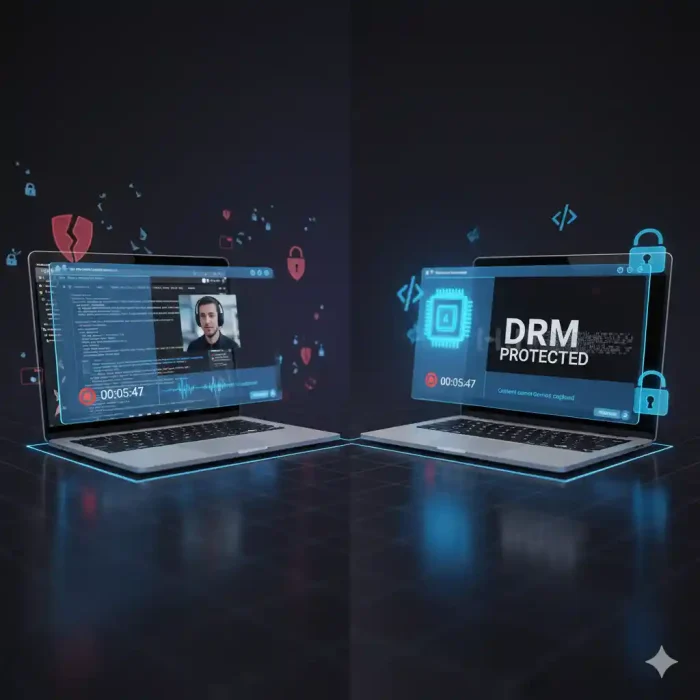
Does DRM stop screen recording? Yes — when implemented at the hardware level. DRM systems like Widevine L1, PlayReady SL3000, and Apple FairPlay force video decryption inside a protected hardware environment (TEE), severing the capture pipeline. Screen recording tools produce only a black screen. Software-only DRM (Widevine L3) does not provide this guarantee.
You spent months building your course. You recorded every lesson, edited every frame, and priced your content based on its real value. Then someone screen-recorded it, uploaded it to a Telegram group, and shared it for free with 400 strangers.
This is not a hypothetical. It is happening to course creators earning $75,000 to $500,000 annually — and the majority of them had no idea their “secure” platform was leaving the front door wide open.
The problem is not that creators are careless. The problem is that the security features most platforms advertise — password protection, private video links, HTTPS encryption — do not actually address how content theft happens. Screen recording tools do not care about your login page. They never touch your encrypted stream. They capture what your screen renders, and that happens after every security layer you think is protecting you.
This article explains exactly why that is true, what DRM actually does differently, and what a real multi-layer content protection stack looks like for course creators who are serious about protecting their revenue.
The Dangerous Myth Most Course Creators Believe
Ask most course creators how they protect their video content and you will hear variations of the same answer: “My platform has password protection.” “My videos are unlisted.” “I use a secure hosting service.” “I turned off the download button.”
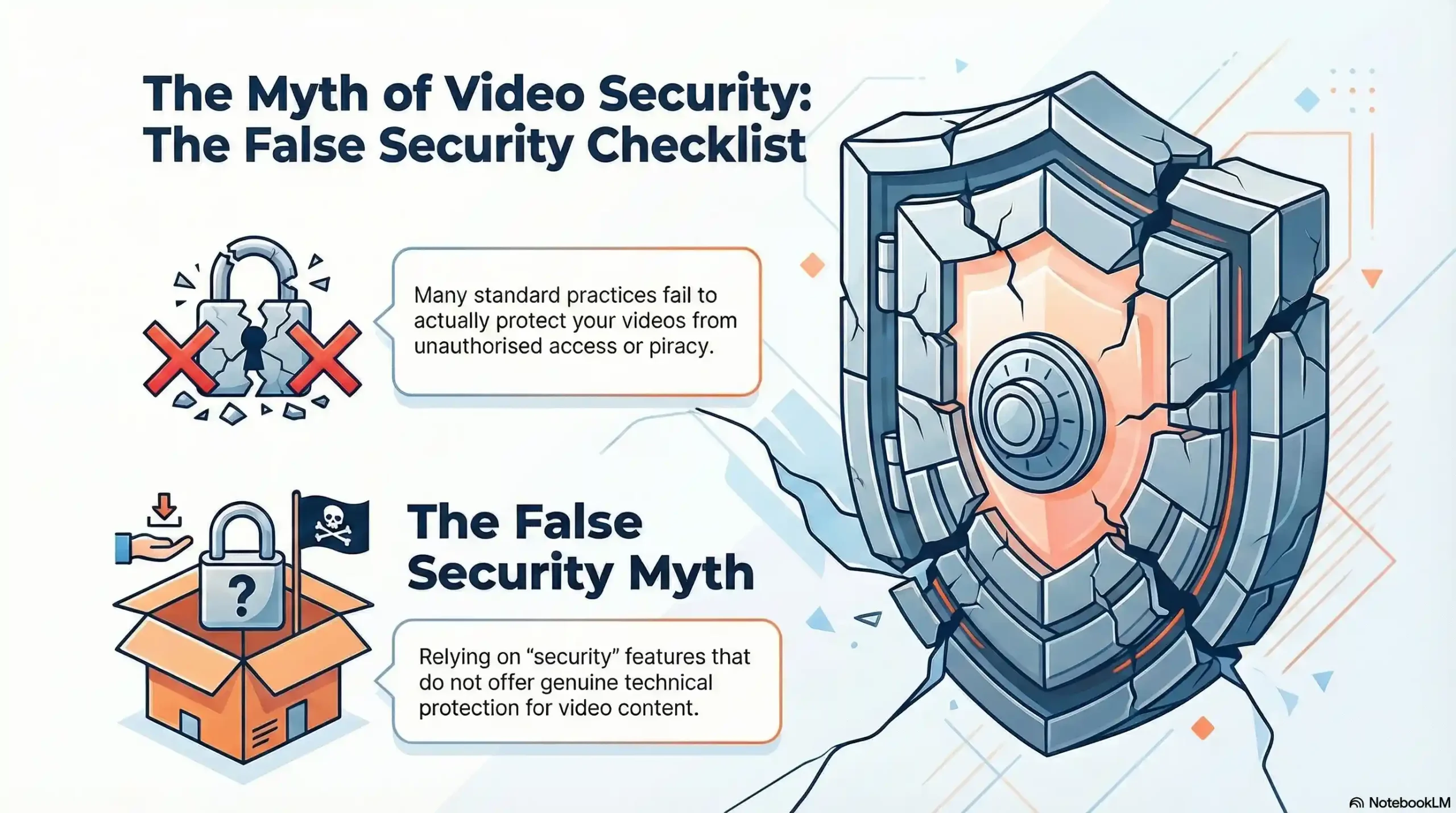
Every one of these measures addresses a different problem than the one pirates actually exploit.
Password protection stops unauthorized account access — it does nothing once a paying student (or a credential-sharer) is inside the course. Private or unlisted video links prevent casual discovery — they do not prevent the person watching from opening OBS Studio in the background. HTTPS encryption protects data moving between a server and a browser — it is completely irrelevant once the video is decrypted and rendered on screen. Disabling the download button removes a convenience feature — screen recorders do not use download buttons.
Without secure video hosting that includes DRM, even platforms with excellent user experience leave videos exposed. The financial consequence is direct: every pirated copy of your course is a potential paying student who never had to pay. For a $500 course with even modest piracy, the annual revenue loss compounds quickly.
The myth is not that creators are wrong to use these features. The myth is believing they constitute security. They are access controls. True content protection operates at a different layer entirely.
Password Protection
- What it actually protects against: Unauthorized account access
- Stops screen recording? ❌ No
Private / Unlisted Links
- What it actually protects against: Public discovery
- Stops screen recording? ❌ No
HTTPS / TLS Encryption
- What it actually protects against: Data interception in transit
- Stops screen recording? ❌ No
Disabled Download Button
- What it actually protects against: Direct file download
- Stops screen recording? ❌ No
Platform Watermark (Static)
- What it actually protects against: Easy identification only
- Stops screen recording? ❌ No
DRM (Widevine L1 / FairPlay)
- What it actually protects against: Hardware-level playback capture
- Stops screen recording? ✅ Yes
Dynamic Forensic Watermarking
- What it actually protects against: Post-capture identification & deterrence
- Stops screen recording? ✅ Yes
How Screen Recording Tools Actually Work (The Technical Reality)
To understand why DRM is the only real answer, you first need to understand exactly what screen recording software does — and does not — do.
Capturing the Render, Not the Stream
When a student opens your course video, a precise sequence of events occurs. The encrypted video file travels from your server to their browser over HTTPS. The browser’s video player receives it, and a decryption process converts that encrypted data into a viewable video signal. That signal is passed to the graphics card, which renders it as pixels on the display.
Screen recording tools enter the picture at the very last step — the rendered output. They do not intercept your encrypted stream. They do not crack your server’s security. They simply instruct the operating system to copy what the graphics card is drawing to the screen and save it as a video file.
This is why HTTPS encryption offers zero protection against screen capture. By the time the screen recorder activates, the encryption has already done its job and the content is fully visible. The security you invested in happened three steps earlier and is completely irrelevant to what the capture tool is doing.
The Tools Pirates Use — and Why They Work
Tools like OBS Studio, Camtasia, and built-in screen recorders make it straightforward for anyone to record video content playing on their screen. These are legitimate, widely available applications. OBS Studio is free, open-source, and used by millions of streamers and content creators worldwide. It requires no technical expertise to point at a browser window and record.
Beyond software tools, hardware capture cards present an additional vector. These devices connect between a computer’s HDMI output and a secondary recording device, capturing the video signal at the display level — entirely outside the reach of any software-based protection.
The underlying principle is known as the analog hole: if content can be seen by human eyes, it can theoretically be recorded. Any security system that does not address the rendering and display pipeline is, by definition, incomplete.
What DRM Actually Is — And What It Isn’t
Digital Rights Management is one of the most misunderstood terms in the content creator space. Most creators have heard of it. Few understand what it actually does — or why it is fundamentally different from every other security feature they are already using.
DRM Is Not Just Encryption
HTTPS encrypts your video in transit. That means the data traveling between your server and your student’s browser cannot be intercepted and read. This is important and necessary. But it is not DRM.
Modern DRM relies on hardware-based security through Widevine L1, FairPlay Streaming, and PlayReady SL3000, which use secure hardware-based playback pathways to prevent unauthorized access and screen capture. These implementations ensure that video decryption occurs within protected hardware environments — called Trusted Execution Environments (TEE) — that screen recording software cannot access.
The key phrase is hardware environments. DRM does not just encrypt the file — it controls where and how decryption is allowed to happen. That location is the TEE: a protected zone inside the device’s processor that is isolated from the operating system, the browser, and any application running on the device — including screen recorders.
The three industry-standard DRM systems that implement this approach are Google Widevine, Microsoft PlayReady, and Apple FairPlay. Together they cover virtually every modern device, browser, and operating system your students use.
The DRM Security Level Hierarchy
Not all DRM is equal, and this is where many course creators make a costly assumption.
Widevine L1 provides the highest level of protection, requiring that all content processing and cryptography operations are performed within a Trusted Execution Environment on the device’s processor. This ensures that content is decrypted and rendered in a secure, tamper-resistant environment — offering the strongest available protection against piracy, including preventing screen recording.
Widevine L3, by contrast, performs decryption in software — inside the browser’s main process, outside the hardware TEE. This means the decrypted video data passes through layers that screen recording tools can access.
The practical implication for course creators: Google Chrome on desktop defaults to Widevine L3. This is why platform choice and DRM implementation strategy matter enormously. Edge on Windows with PlayReady SL3000, Safari on macOS and iOS with FairPlay, and Android devices with Widevine L1 certification deliver hardware-enforced protection. Chrome desktop does not.
A secure video hosting platform manages this complexity for you — serving the appropriate DRM license based on the student’s device and browser, automatically maximizing protection without requiring your students to change their behavior.
Does DRM Actually Stop Screen Recording?
This is the question every course creator needs answered directly, without marketing language.
What Happens When a Screen Recorder Meets Widevine L1
Only L1 provides robust screen recording prevention on modern devices. L3 and L2 fallbacks expose high-value streams to easy piracy.
When a student on a certified Android device or on Microsoft Edge with PlayReady SL3000 attempts to screen record a Widevine L1 or PlayReady SL3000 protected video, the result is a black rectangle where the video should be. When DRM is enabled at the hardware level, any screen recording attempt shows only a black screen — automatically, across all DRM-enabled browsers and devices.
The mechanism is straightforward: because decryption and rendering occur entirely inside the hardware TEE, the operating system never receives an unencrypted frame it could hand to a screen capture application. The screen recorder captures what the OS can see — and the OS can only see a protected, black output surface.
Apple FairPlay achieves the same result on iOS and macOS Safari through the device’s Secure Enclave. PlayReady SL3000, designed for premium content, incorporates equivalent hardware-enforced mechanisms that prevent screen recording during playback.
The Remaining Threat Vectors DRM Alone Cannot Stop
Honest security advice requires acknowledging what DRM cannot do.
Hardware capture devices can potentially record HDMI output, though HDCP protection prevents this in many cases. A determined pirate with a hardware capture card connected between a computer and an external monitor can bypass software-level protections. Secondary device recording — pointing a phone camera at a laptop screen — is technically always possible for any visual medium.
These vectors represent the residual risk that no digital protection system eliminates entirely. This is not a failure of DRM. It is the honest reality of the analog hole. The strategic response is not to seek a perfect solution that does not exist — it is to raise the cost and risk of piracy so high that it becomes economically irrational for all but the most determined bad actors.
That is where the second and third layers of protection become essential.
⚡ Ready to see how Inkrypt Videos combines Widevine DRM with dynamic forensic watermarking to protect your course content? Visit inkryptvideos.com to speak with the team.
The Multi-Layer Defense Stack Course Creators Actually Need
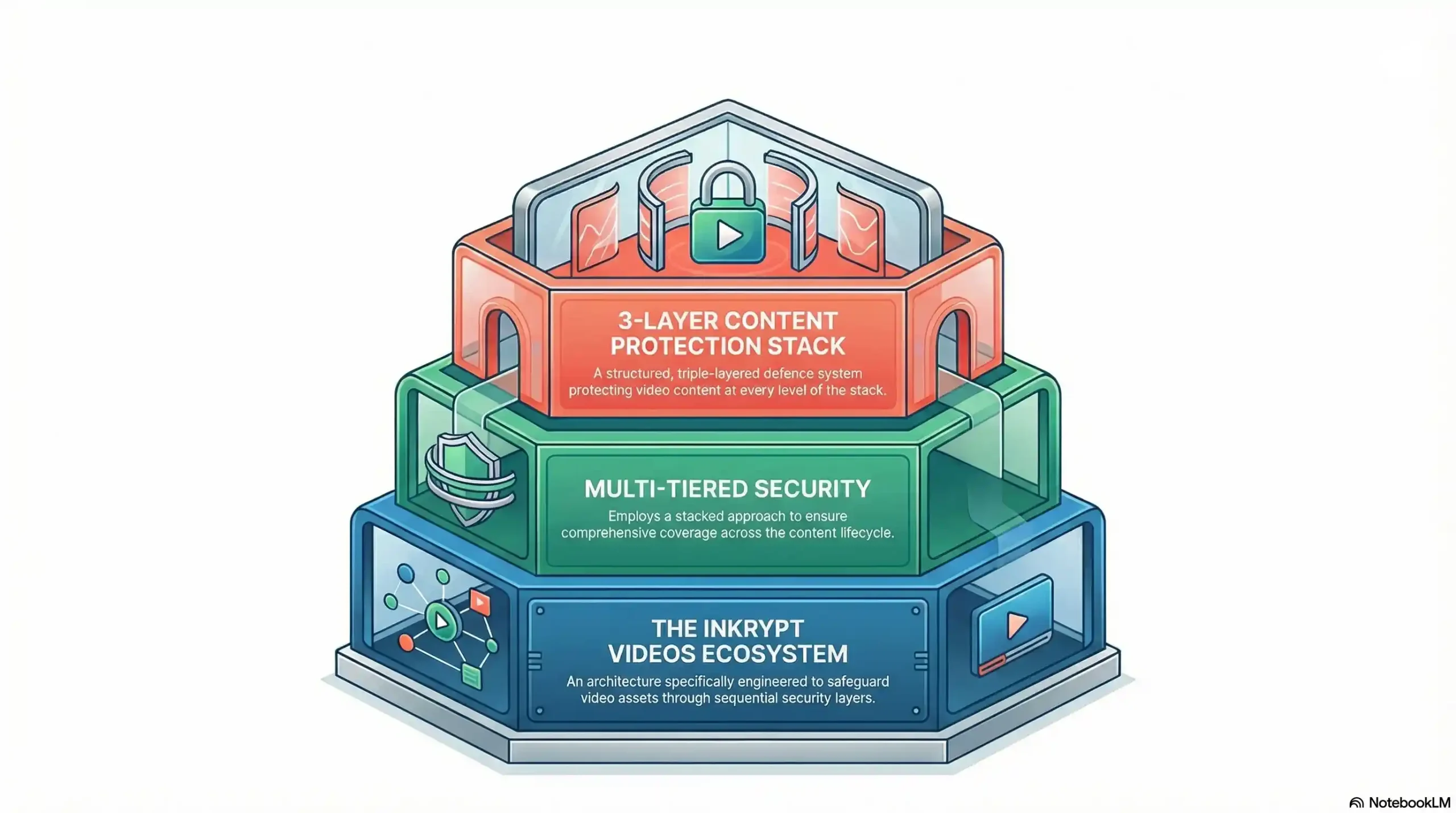
Real content protection is not a single feature. It is a system of interlocking layers, each addressing a different threat vector. Here is what that stack looks like when implemented correctly.
Layer 1 — DRM Encrypted Video Streaming (The Foundation)
The foundation of any serious content protection strategy is multi-DRM: Widevine, PlayReady, and FairPlay deployed simultaneously, with the correct license served automatically based on the viewer’s device and browser.
This means hardware-enforced black-screen protection on certified Android devices, on Microsoft Edge via PlayReady SL3000, and on all Apple devices via FairPlay — covering the vast majority of your student base with the strongest available protection.
Token-authenticated streaming adds an additional layer: each playback session generates a unique, time-limited token. A student cannot share a video URL with a non-enrolled person and have it work. The link expires. The token is tied to the authenticated session.
Domain locking ensures your content only plays on your authorized domain. Even if someone extracts a video URL, it cannot be embedded or played on any other site or player.
Layer 2 — Dynamic Forensic Watermarking (The Deterrent and Tracker)
Forensic watermarking embeds an invisible identifier within the content itself. When someone tries to record the screen while watching a video, that hidden identifier is captured along with the recording — making the source of any leak immediately traceable.
Unlike static visible watermarks — which are easily cropped, blurred, or edited out — dynamic forensic watermarks are invisible to the viewer and woven into the video stream itself at the encoding level. Each student’s copy of the video contains a unique identifier tied to their account.
If a leaked copy surfaces on Telegram, YouTube, or a piracy forum, that watermark identifies exactly which account it originated from. This is the answer to the HDMI capture card problem and the phone-pointed-at-screen problem. Even if a pirate successfully records the video, the recording carries a forensic trail directly back to them.
The deterrence effect is significant. Most credential-sharers and low-level pirates operate on the assumption of anonymity. Remove that anonymity and most piracy stops before it starts.
Layer 3 — Access Intelligence (The Early Warning System)
The third layer transforms your video platform from a passive delivery system into an active security tool.
Session fingerprinting detects when a single set of credentials is being accessed from multiple geographic locations or device types simultaneously — the signature of credential sharing. Anomalous behavior detection flags accounts that consume content at patterns inconsistent with genuine learning.
Geo-blocking allows you to restrict playback to specific countries or regions, enforcing licensing boundaries and eliminating access from high-piracy geographies when appropriate. Device restrictions limit the number of concurrent playback sessions per account, directly defeating credential sharing networks.
Real-time analytics turn security data into actionable intelligence: which videos are being accessed most aggressively, which accounts show suspicious patterns, and where your content protection policy needs tightening.
Layer 1: DRM
- Technology: Widevine L1, PlayReady SL3000, FairPlay
- Threat addressed: Screen recording software
- Piracy difficulty: ⛔ Blocked at hardware level
Layer 1: Token Auth
- Technology: Time-limited session tokens
- Threat addressed: URL / link sharing
- Piracy difficulty: ⛔ Links expire and are non-transferable
Layer 1: Domain Lock
- Technology: Authorized domain whitelist
- Threat addressed: Unauthorized embedding
- Piracy difficulty: ⛔ Blocked outside authorized domains
Layer 2: Forensic Watermark
- Technology: Dynamic per-viewer encoding
- Threat addressed: HDMI capture, phone recording
- Piracy difficulty: ⚠️ Identified and traceable
Layer 3: Session Intelligence
- Technology: Fingerprinting + anomaly detection
- Threat addressed: Credential sharing
- Piracy difficulty: ⚠️ Detected and terminable
Layer 3: Geo-blocking
- Technology: Regional access policy
- Threat addressed: High-risk geography access
- Piracy difficulty: ⚠️ Restricted by policy
⚡ Inkrypt Videos delivers all three layers — DRM encryption, dynamic forensic watermarking, and access intelligence — in a platform that integrates in 30 minutes. Start protecting your content at inkryptvideos.com/pricing to reach the team.